
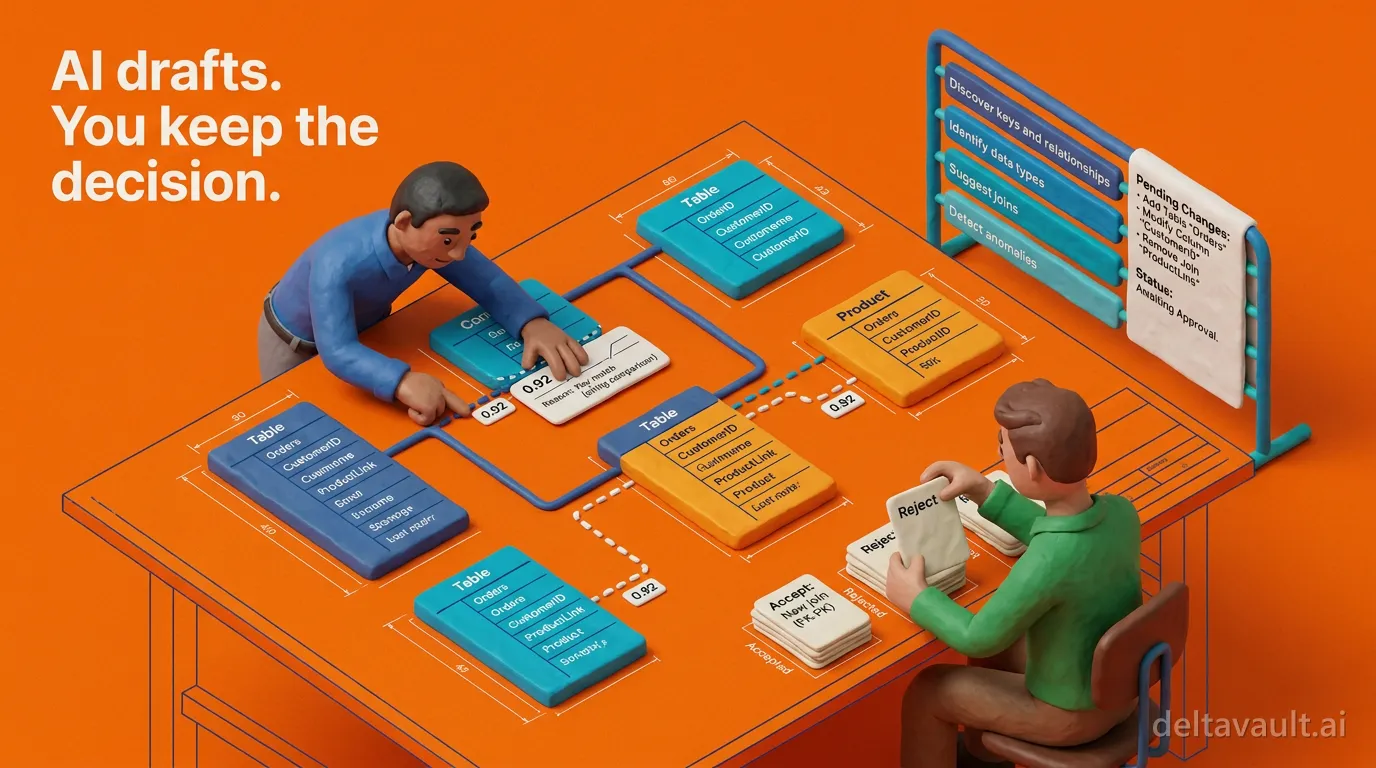
AI drafts the tedious part. You keep the decision.
Most of technical modeling is not design. It is the same four chores repeated across every table you import:
- Working out which columns join
- Deciding which column is the key
- Writing the description nobody budgeted time for
- Hand-assembling the view the business asked for last week
Those chores are exactly what AI skills in DeltaVault take off your desk. Every proposal a skill makes arrives as a draft, so you read it before it touches your catalog. The AI drafts the tedious part, and you keep the decision.
Why does the tedious work still land on you?
The joins are the worst of it. Plenty of source systems never declared a foreign key, and the lakehouse does not require one: on Databricks, primary key and foreign key constraints are informational only and not enforced, so a schema that arrives through a file drop or a constraint-free database lands with no recorded joins at all. Someone then rebuilds them by guessing at parents one pair at a time, and the descriptions never get written, because the sprint ends first.
The usual fix is a chat panel. It answers well enough, and then you copy the answer back into the catalog by hand, with no record of what the model saw and no review of what you typed. That moves the typing around rather than removing it.
How DeltaVault drafts keys, joins, views and descriptions
Every AI capability in DeltaVault is a skill: a published, versioned configuration that declares what it reads, what it may propose, and how the result comes back for review. Three skills and the canvas chat cover the chores above.
Foreign key discovery is the relationships pass of Discover keys and relationships. Run it across every table on a canvas, or narrow it to a subset first. A deterministic pre-filter rules out table pairs that cannot be parent and child on structural grounds, and it does its work before your key design exists, because on a freshly imported schema it falls back to key-shaped columns. Whatever survives the filter goes to the model, which weighs it on names, types, and the profiling signals your catalog already holds. Each candidate comes back with a confidence score, the two columns behind it, and a short written reason, drawn on the canvas as a dashed edge.
Business key discovery runs from the same launch. The key passes propose a primary key for each table in scope, plus a business key where one belongs, on a staging, Data Vault, or data mart table. Scan a source table and its business-key proposal redirects to the staging table that source feeds. Accepting a key replaces the table’s current key, so it goes through review first, because data integration is a decision about business keys.
Metadata enrichment works on the table you have selected. The skill drafts:
- a clearer table description
- a description for each column
- a business name
- the matching business entity where one is evident
Structure is never touched. Sensitive data classification is its sibling: one proposal per column across your sensitivity, personal data, and regulatory schemes, and silence on any column it is not confident about.
SQL view generation starts from a sentence. On a project or workspace canvas, describe the view you need. Ask AI resolves the table names against your catalog rather than inventing them, asks the clarifying question that matters, and parks the result as a proposal card. Accept it and the view designer opens with the tables, filter, and as-of setting already in place, and the CREATE VIEW statement rewrites live while you correct the proposal in the designer.
Note: The AI writes nothing; the view exists only when you save it.
Every proposal is a draft you can read
What makes this augmentation rather than automation is that nothing writes on its own. Any skill that writes runs in preview-then-apply mode: its proposed changes are staged as a plan, and you edit, approve, or reject each item before anything lands. Only what you approve is applied. Applied changes then go through the same write paths and role checks as a hand edit, land on your active branch, and appear in the same audit log, so “what did the AI change?” has the same answer as “what did anyone change?”
Inspectable means more than an approve button. Every relationship discovery candidate shows its score and its reason, and low-confidence candidates stay in the list so you can make the call yourself. Accept one and each downstream layer gives you its own preview of what it will create there, with staging and persistent staging each behind its own toggle. Enrichment and classification run with your conventions in context, because the naming convention and classification schemes your organization defined are injected into every skill that needs them, and classification proposals are bounded to your own schemes.
Note: When a skill is not confident, it proposes nothing: a column with an ambiguous name is left alone rather than guessed at, by design.
None of it is sealed. An organization administrator can fork a built-in skill into an editable version and tune the instructions it runs, which is the whole case for being AI-native, not AI-added. The same principle carries into integration work, where discovered joins and drafted views are how the bridge to a source that does not hold your model’s shape gets built, not painted, with column-level lineage on every projected column.
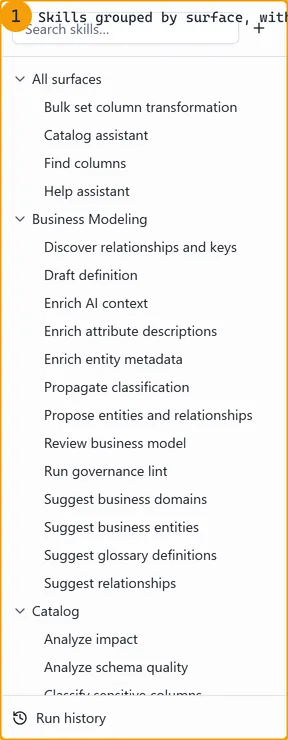
Each one is a named skill on a rail, grouped by the surface it belongs to.
This is AI-assisted data modeling with the decision left where it belongs. The repetitive work gets cut, and the meaning, the standards, and the approval stay yours. Try it on a schema you imported last month.
- Open the project canvas and launch Discover keys and relationships across the schema.
- Read the reason on every candidate and reject the ones the evidence does not carry.
- Accept the rest onto your branch with the per-layer preview open, then review the commit like any other change.