
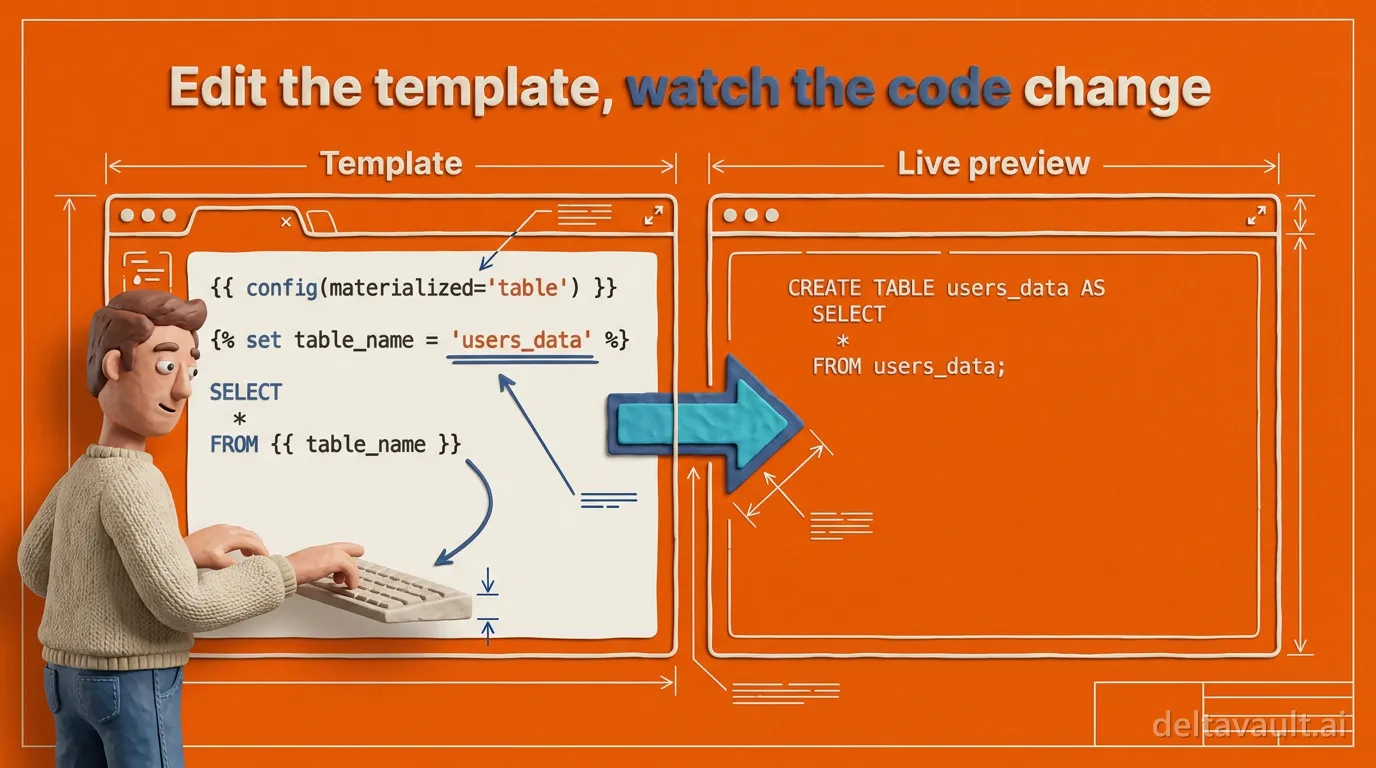
Edit the template, watch the code change
This walkthrough opens DeltaVault’s template playground with a single artifact on screen: the stage load template, the Jinja that decides how your staging tables load. It is a short recording, with the template on one side and the code it generates on the other, edited live.
That setup matters, because generated code otherwise asks an engineer for trust. Somewhere a template is deciding how your staging tables load, and when that template is locked away inside the tool, every question about your own standards turns into guesswork.
DeltaVault takes the opposite position: the template is yours to read and yours to change. Here is what that looks like in practice.
- Select a table from your metadata.
- Read the live preview of the code generated for it.
- Remove a single minus sign from the template and watch the output move.
- Browse the metadata context the template is handed.
Watch this in action:
How DeltaVault puts Jinja template code generation on one screen
Select any table from your metadata and you immediately see what the generated code for that table will look like. On the left sits the template, written in Jinja, the templating language most data engineers already read. On the right, a live preview of the code it produces. What you edit and what it makes share one screen.
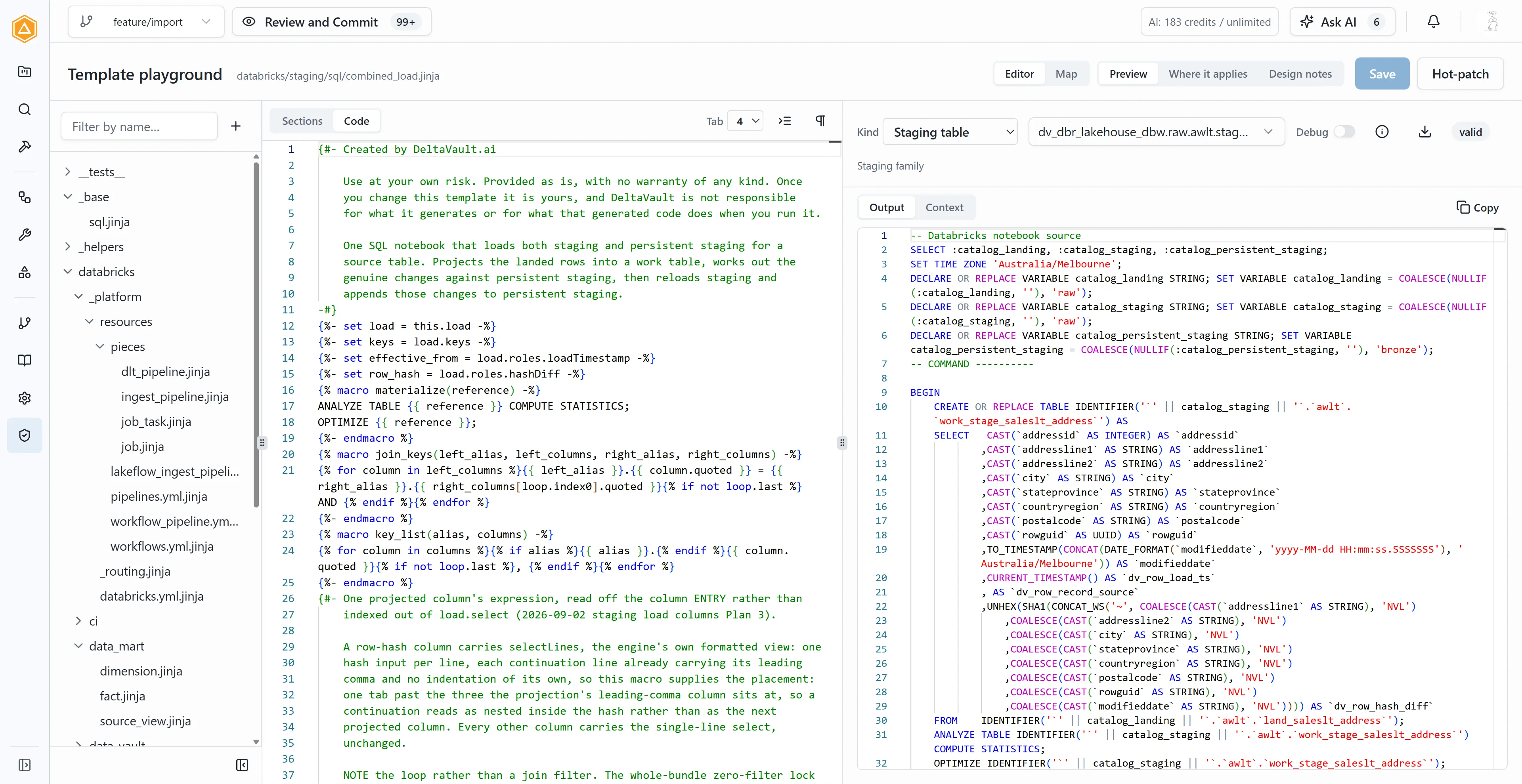
Jinja whitespace control, live in the preview
In the recording, we scroll to the bottom of the template and delete a single minus sign, one of Jinja’s whitespace controls. The code on the right redraws the moment that character is gone, and typing it back in shifts the output again. Whatever you change in the template lands in the result immediately, so you never have to guess what a change did.
From there, you can work through the whole template and shape it to your standards, or change two lines and stop. Every template DeltaVault ships is visible in the playground, and you customize generated code without forking the product to get your way.
- Override one named section, and the rest keeps tracking our improvements.
- Fork a shared helper to change a macro everywhere it is used.
- Bring a template of your own.
What metadata can a Jinja template reference?
Editing Jinja is not the obstacle. Plenty of engineers can read a load template and say exactly what it means. The obstacle is knowing what you can reference: which fields exist for this table, what they are called, and when they are present. That gets complicated fast, and it is precisely where most generation tools go dark.
DeltaVault shows you the context instead. Select your table, your workflow, or
whichever element the template applies to, and you get the full set of
metadata handed to that template, with every associated element sitting there
to browse next to the output. Say you need the column name already wrapped in
the platform’s identifier quoting: you look in the context, find
column.quoted, and use it. The contract is
documented down to the field, and it is the same data our built-in
templates read, so your template starts from the same footing as ours. For the
wider picture, we have written more about how
model-to-artifact generation works and what
metadata management has to get right for
any of this to hold up.
Context matters twice over now, because most of us lean on AI to help write some of our code. An assistant drafting a template blind produces plausible Jinja that references metadata which does not exist. Put the real context on screen and the guessing stops. Whether you type the change yourself or the AI drafts it, you can check the template against the code it produces and the metadata it read, so you stay in control of the result. That is the difference between a platform that is AI-native rather than AI-added: the context is there because the product is built on it, not bolted on afterwards.
Open templates or a black box: how the work gets done
Building and maintaining your own templates is real work, and we will not pretend otherwise. Shaping load code to an organization’s standards is exactly what engineers get paid for. What is actually at stake is where that work happens: in the open, with the template, its output, and its context on one screen, or against a black box that renders somewhere you cannot see.
So take it in three steps.
- Watch the walkthrough.
- Open the playground on a table you know well.
- Read the template that loads it.
The first change you make will tell you how the rest of them will go. When you are ready to go further, the rest of our writing on data warehouse automation picks up where this walkthrough leaves off.