
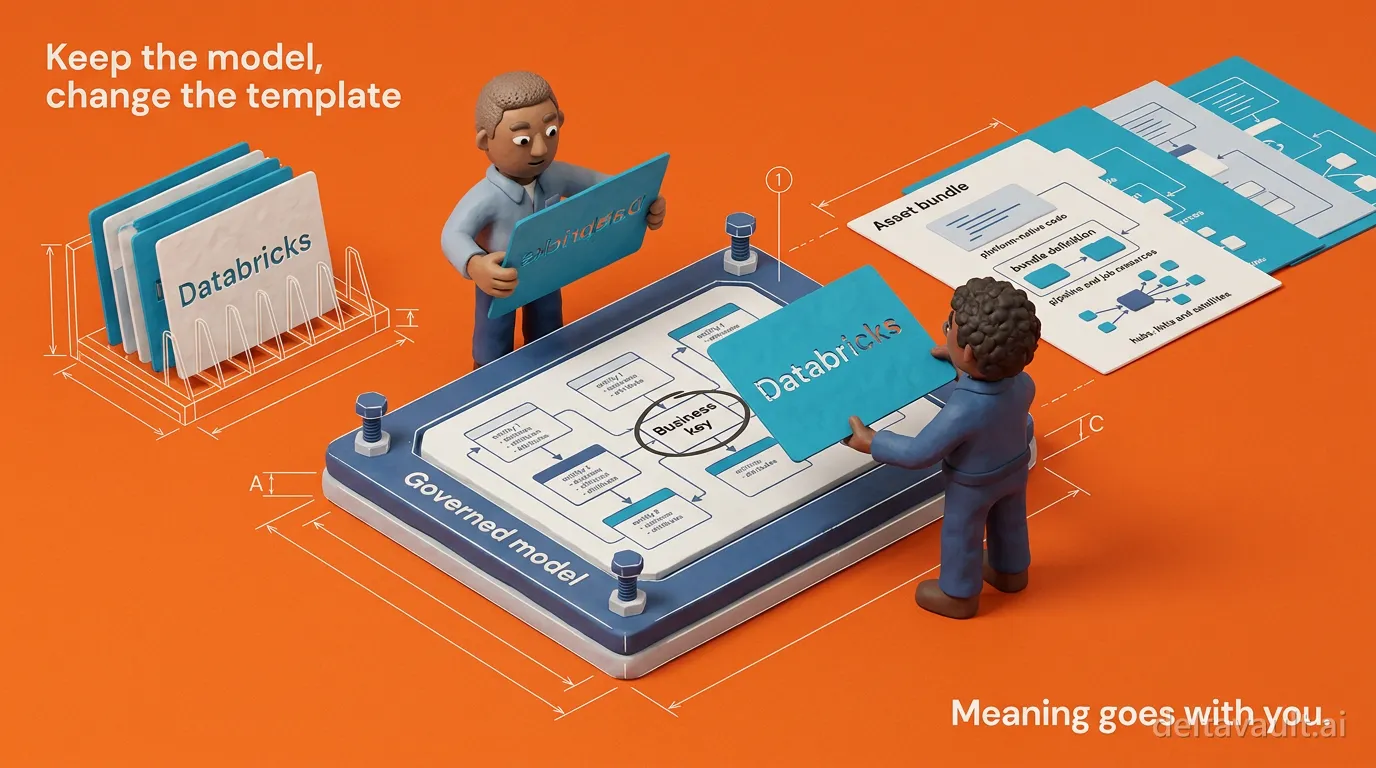
Keep the model stable, change the template
Your data model should outlive your platform. On most estates it does not, because the only complete record of the model is the code that implements it, so every migration and every new environment sends someone back to reinterpret the tables, the naming rules and the load pattern, and the meaning the business already signed off on gets rebuilt along with the code.
DeltaVault takes the opposite position. The approved model is the stable input, and the template is the thing that changes when the target does. Keep the model stable. Change the template, not the meaning.
Why does a new platform cost you the model again?
Look at where “how we do staging” actually lives: in the load notebook someone wrote two years ago, and in the four copies of it edited since. The business key is a hash expression pasted between files, the naming standard is a habit, and the change detection is whatever the last engineer understood about the engine. None of that is a model. It is an implementation, true for one platform and one version of the team’s understanding.
So when the target changes, the model has to be recovered before it can be moved. Someone reads the code to work out what it meant, translates that meaning into the new dialect, and makes a hundred small decisions that nobody reviews because they look like plumbing. Now two copies exist and they drift, because nothing mechanical ties them together. The bill arrives as duplicated engineering and as environments that quietly disagree.
The model was never the problem. The problem is that the model and the platform were stored in the same file.
How DeltaVault renders one governed model into native Databricks code
DeltaVault keeps them apart on purpose. The model lives in the catalog as governed metadata: business entities and attributes, the mappings from source columns to the columns that realize them, the column-level lineage those mappings produce, the business keys, and the classification and ownership decisions your team has already reviewed. The quoting, hashing and timestamp functions that make it platform-specific are applied at render time, not stored in the model.
The template engine handles the implementation differences through Jinja templates, the templating language most data engineers already read. A template never hardcodes a table name: a logical reference resolves to the platform-correct three-part identifier at render time, so one template renders against development, staging and production by swapping the target. Binding rules decide which template renders for which table, matching on methodology, target platform, data layer, table type and entity type, with shipped defaults underneath, organization rules above them, project rules above those and a per-table override at the top. Metadata-driven code generation is a lookup: the model says what the table is, the rules say which template applies, and the template says what that means here.
On Databricks, where generation runs today, the output is a complete Databricks Asset Bundle: the bundle definition, the pipeline and job resources, and declarative source code for every layer. Silver and gold tables render as streaming tables and materialized views that apply change data capture with AUTO CDC, with keys, sequencing, delete handling and history type derived from the table’s metadata. The same generator emits a full Data Vault of hubs, links and satellites, in SQL or Python. One Build action produces the whole tree as an immutable snapshot with a validation status on every file, and committing is an explicit second step, so your own continuous integration deploys the bundle.
Note: Generation runs for Databricks projects today. Snowflake and Microsoft Fabric are next, each with its own conventions, and reaching them will change the template, not your model.
Notice what did not happen: you did not redesign a table for the engine or re-litigate what a customer is. The Databricks-native decisions live in the template and the binding rules, which is why Data Vault needs new rules on a lakehouse and not a new model.
The template is an output, not the product
Here is the design decision that separates this from the template-first end of data warehouse automation: in DeltaVault the template is just another artifact the platform manages. Templates your organization owns are versioned metadata like tables and columns, branch-scoped, audit-logged and reviewed at commit. When a shipped default is not how your shop works, you do not fork the product: you override one named section and the rest keeps tracking upstream improvements, or you bring a template of your own and bind it. You can edit the template and watch the code change in the playground, with the real metadata context beside you, and the model underneath never moves.
That ordering matters more than it looks. A code-first transformation framework makes every model a file you write and own, with the metadata a by-product of parsing the code, so the code is the model. DeltaVault is built around the catalog and renders the code from it: a model-driven data warehouse, where the code sits closer to a compiled binary than to something you maintain, and you manage data, not plumbing. That is what putting meaning before machinery means in practice: the meaning is the asset, and the machinery is replaceable.
See the split on one table
Pick a table you know well and see where the line falls.
- Open the table’s Preview tab and read the create-table, load and test code rendered for that exact table; the tab names the binding rule that matched.
- Change the template: override one section in the playground and watch the preview redraw against the same table.
- Change the model instead: add a column or change which columns form the business key, and watch the rendered code follow.
You do not need a second model for the next platform. You need one governed model and a template you are allowed to change. Keep the model stable, change the template, and the meaning goes with you.