
The template engine is yours
Every code generator has opinions about your warehouse: how a staging table loads, what the notebook header says, where the hash key goes. Whether you can live with those opinions comes down to one question. Who owns the template those opinions live in?
Most data warehouse automation templates live inside the product that ships them, so your naming standard becomes a feature request and you wait. A homegrown generator answers the ownership question the other way, but it hands you a second product to maintain, because owning the code was always the expensive part. DeltaVault’s template engine takes a third position: the templates are yours. Your team owns them, they are versioned alongside the rest of your metadata, and they are open to the AI assistant you already use.
Whose standards are in the template?
DeltaVault renders the code that builds and loads your warehouse from the metadata in your catalog: create-table statements, load steps, data tests, and orchestration scripts, for Databricks, Snowflake, or Microsoft Fabric. Each of those artifacts comes out of a Jinja template, written in the templating language most data engineers already read. Every template DeltaVault ships is open in the workbench, sitting next to a live preview that renders it against a real table from your catalog. We have walked through that loop before: edit the template and watch the code change.
Reading a template is not the same as owning it. Your shop has its own header comment, its own table options, its own idea of how a merge into persistent staging should look. Those are your standards, and a template you cannot change turns every one of them into an argument with the tool. Ownership has three parts, and each part answers a different worry.
How DeltaVault makes the template yours
Versioned like the rest of your metadata
A template edit lands on a feature branch, the same way a table edit does. Your organization’s templates are git-synced metadata, exactly like tables and columns: branch-scoped, audit-logged, and reviewed at commit. Version control comes with that. The Jinja SQL templates that load your staging tables carry a history, a reviewer, and a before-and-after diff, so “who changed the merge pattern in March?” finally has an answer instead of a shrug. Versioning also protects you from upstream changes: when a later revision of a shipped template renames a block, an override pointing at the old name degrades to a logged warning rather than a broken build.
Owned by your team, one section at a time
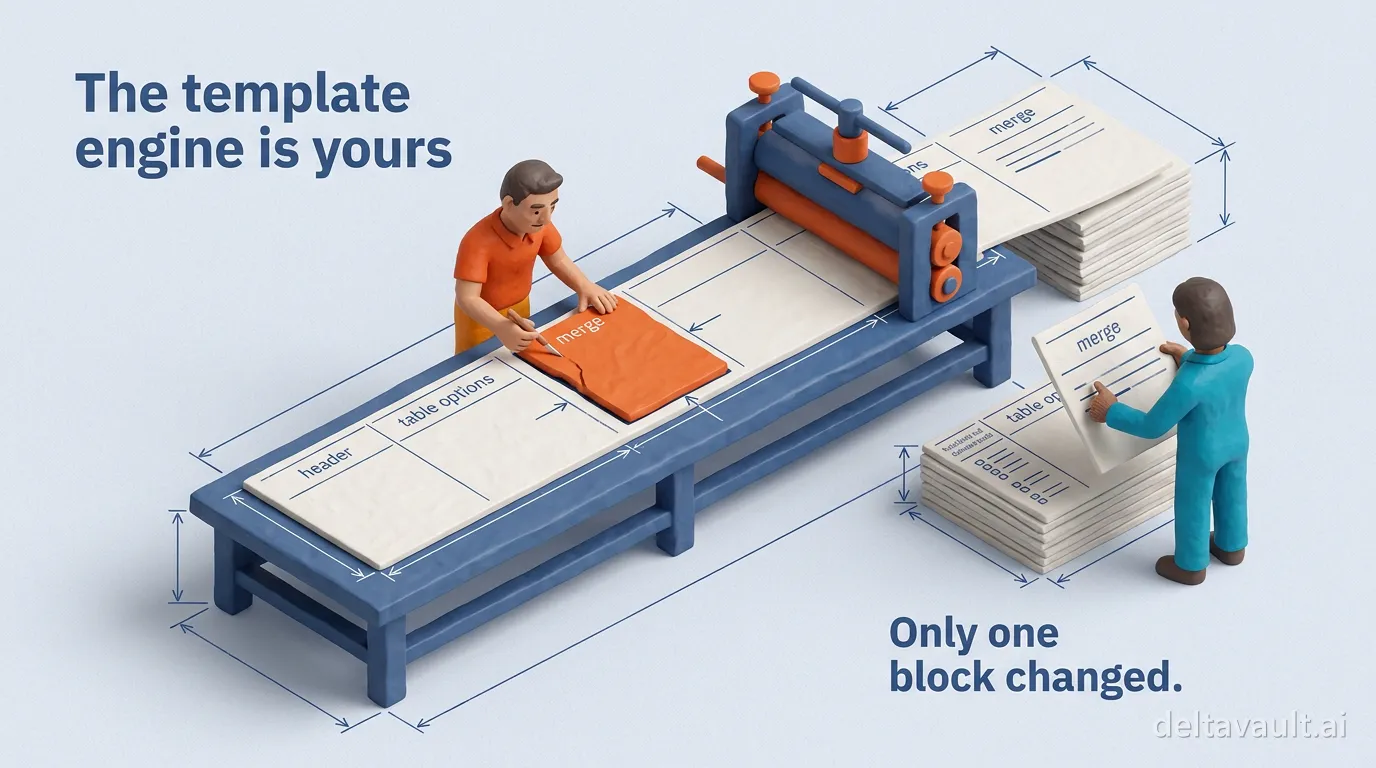
You customize generated code without forking the product. A shipped template is a stack of named sections, and Jinja’s named blocks are the seam. How much of the template you take ownership of depends on the change you need:
- Customize one block when the change is a notebook header, a table options clause, or the staging merge logic. The rest of the file keeps tracking the version DeltaVault ships.
- Fork a shared helper when the change lives in a macro that several templates import, so it applies everywhere that helper is used.
- Fork the whole template, or bring your own, when you need to add, remove, or reorder sections. The copy belongs to your organization, and binding rules can route tables to it.
The shipped templates already expose the notebook header, the table options, and the staging merge logic as blocks. Platform administrators curate which sections exist as named blocks in the first place, so the customization surface stays governed rather than open-ended. Editors make these changes, viewers read them, and upstream improvements keep flowing under whatever you did not touch.
Open to the assistant you already use
Because the templates are plain Jinja, whatever coding assistant your team already pays for can read them. What an assistant lacks is context: which fields exist for this table, what they are called, and when they are present. DeltaVault documents that contract field by field, and it is the same context the built-in templates read, so an assistant drafting a header block or a merge pattern starts from real names instead of plausible guesses. The draft then meets two checks. The live preview lets you read the generated code against your own table, and validation on save means a syntax error never reaches render time silently. AI-assisted template editing stays under your review, the same posture DeltaVault takes with AI skills you can open, edit, and extend.
Owning the template is not owning a codebase
The objection is fair. Template-first tools and code-first transformation frameworks made ownership expensive, because every model was a file you wrote and maintained, and a thousand models meant a thousand files. DeltaVault keeps the model at the center instead. In metadata-driven code generation the template is one more artifact the platform renders from the model, so what your team actually owns stays small. You keep a handful of section overrides where your shop genuinely differs, a few binding rules deciding which template renders for which table, and the metadata driving all of it. Change the header block once and every notebook that template renders carries it. That is what managing data rather than plumbing means in practice: the code is a derived artifact, and the template is the one part of it worth owning.
Start with the template that loads your worst table
You will know within one change whether your standards can live in this engine.
- Open the template workbench from a table you know well, and read the template that loads with it.
- Customize a single block, either the header comment or the table options, and watch the preview redraw as you type.
- Commit the branch, then read the diff the way you would read any other pull request.
If that change is now yours, versioned and reviewed, so is the engine. The rest of our writing on model-to-artifact generation picks up from there.